
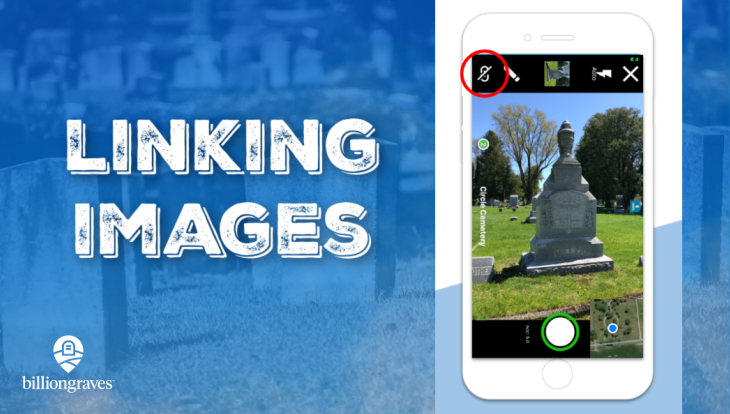


What if one of the headstones you come across has important information on the back? Or what if it’s an obelisk that has information on all four sides?
You can easily link images of the same headstone together while you are taking pictures with the BillionGraves app!
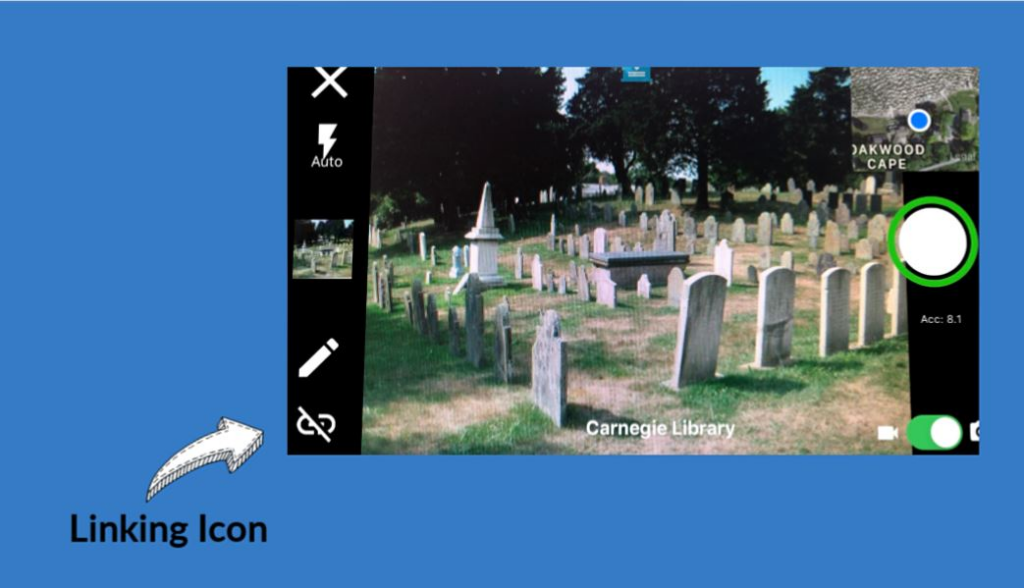
Simply tap the link icon in the corner of the camera view in between each shot of the headstone you want linked together.
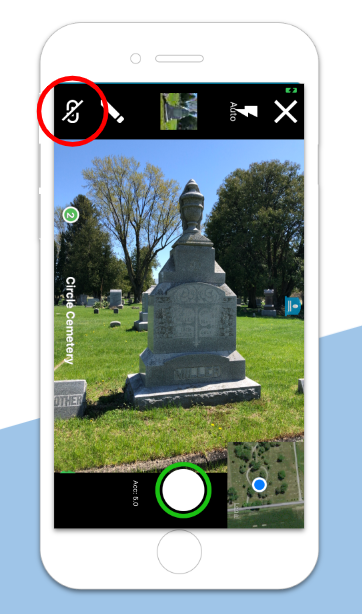
For example, if you take a picture of all four sides of an obelisk, you will tap the link icon three times, once in between each picture you take. Then, when the images are transcribed, all four images will be available on one screen for the transcriber to see. That way, all the information for one headstone will stay together.
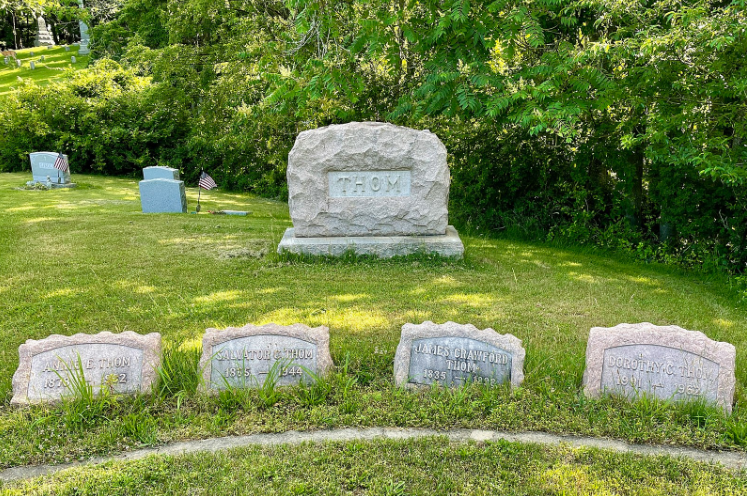
You can also use this feature for linking images of a large gravestone with a family surname on it to nearby smaller gravestones with the family members’ first names on them.
Forgot to Link?
If you’ve already uploaded photos from the app that should have been linked together but forgot to link them, click HERE. Then follow the steps to link the images, as needed.
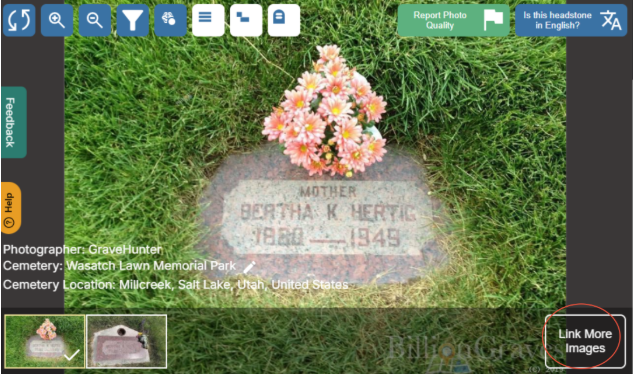
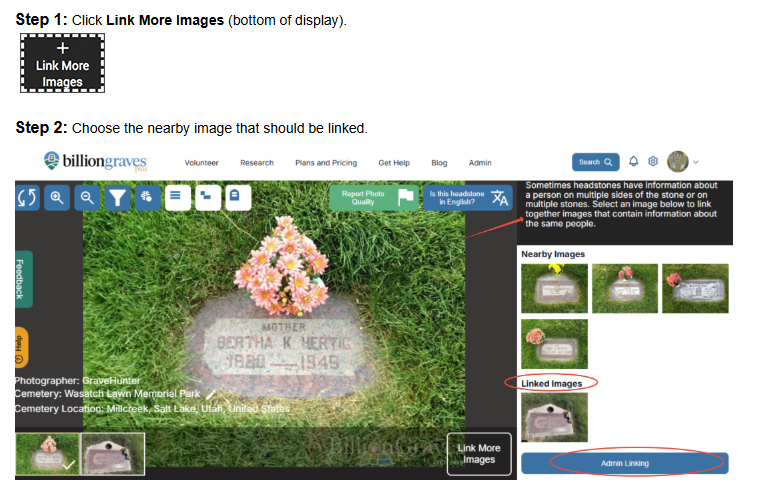
Alternatively, you could contact us at https://support.billiongraves.com/support/tickets/new, and we will manually link those images for you. (We will need you to include the URL for each of the images you would like to have linked together.)
Linking images is a great way to keep photos from the same family plot or the same headstone together. Give it a try!